Spot the Difference: How to Compare Two PDF Documents Safely
Reading through multi-page contract revisions manually is a recipe for error. Learn how visual and text differential engines spot hidden changes.
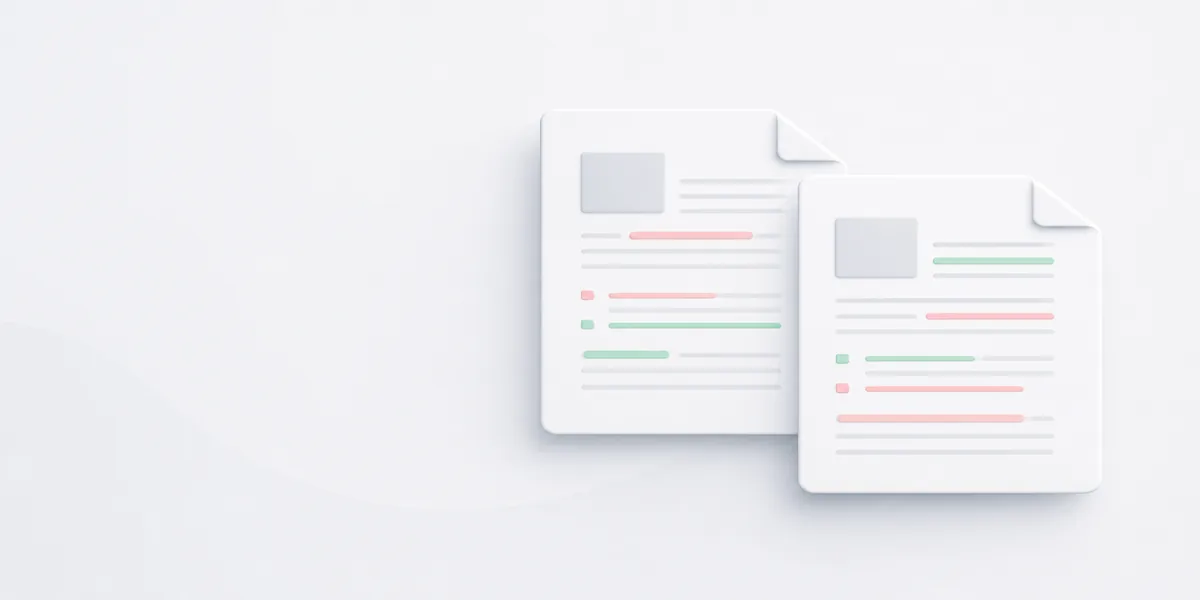
Reviewing contract revisions is tedious work. When a client or partner returns a modified agreement, they might tell you they only updated one sentence. But reading through thirty pages line-by-line to verify that claim is incredibly slow. Worse, your eyes will naturally miss small changes—like a flipped digit or an omitted comma. Automated document comparison tools eliminate this guesswork by comparing the underlying page content directly, rather than relying on a human eyeballing two PDFs side by side.
Visual Diff vs. Text Diff
There are two main strategies for running a document comparison check. A Visual Diff overlays the two pages like tracing paper. It highlights pixel modifications, showing you exactly where text shifted, signatures were added, or image margins changed. A Text Diff engine looks underneath the layout at the digital text stream. It tracks exact character changes, deletions, inserts, and formatting modifications regardless of where they land on the physical page. If you discover pages are out of order during compilation, use our tool to reorder PDF pages prior to running a comparison check.
Why Document Context Matters
Simple text tools get confused easily if a single line break changes, throwing off the comparison for the remaining pages. Modern semantic comparison utilities are smarter. They track full sentence blocks and paragraph structures, meaning if someone inserts an extra section on page three, the tool skips that addition and maps the remaining pages accurately. Before comparing documents that were originally presentation slides, make sure to convert PPTX to PDF for identical layout positioning.
Running a Secure Delta Check
Don't drop sensitive business agreements into unsecured public forums. Upload your original and revised files to the dsnoopdoc Compare PDF utility. Our platform runs a server-side comparison layer, highlighting every single deletion in red and every addition in green. You get a side-by-side view showing every altered character instantly, keeping your compliance checks fast and reliable. Once verified, you can use our platform to organize your PDF documents into appropriate corporate file folders.